My EQ Bank Business Card arrived. Here’s how activation worked

My physical EQ Bank Business Card has officially arrived. :)
I was already able to use the digital version through Apple Pay while waiting, but receiving the physical card meant I could finish setting everything up and use it for all of my business bills that didn't allow Apple payments.
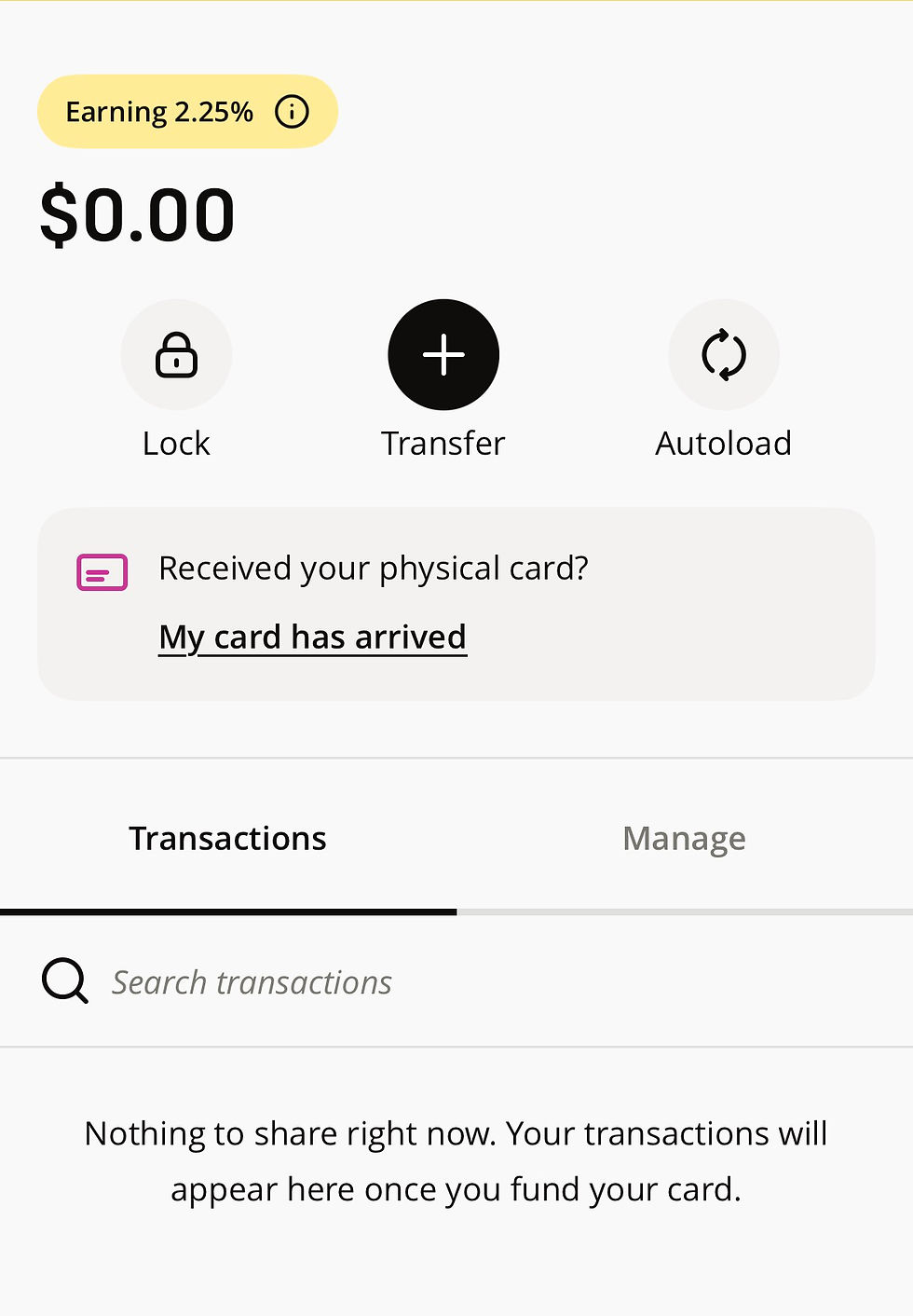
The activation process was done entirely through the EQ Bank app and only took a few minutes. As soon as you open the card on your app, you'll see a link to click when the card has arrived.
Starting the activation
Inside the Business Card section, I selected My card has arrived. The app briefly reviewed some of the card’s features, including no monthly fee, interest on the loaded balance, cash back for qualifying spending, and the foreign exchange fee.
Most of this had already been explained during the ordering process, so I continued to the activation steps.

Confirming the physical card
To verify that I had received the correct card, EQ asked for the last four digits of the card number and its expiry date.
Both details were printed on the physical card. I entered them into the app and moved to the next step.

Creating the PIN
The next step was choosing a four-digit PIN and entering it a second time to confirm it. There was no temporary PIN sent separately and no need to call EQ. The entire PIN setup was completed directly inside the app.

Loading money onto the card
The EQ Bank Business Card is a prepaid, reloadable Mastercard, so it needs to be funded before it can be used. The app gave me the option to move money from my linked Business Account onto the card. It also confirmed that funds can be moved both to and from the card at any time.
Anything loaded onto the card earns interest at the same rate as the linked Business Account, although rates can change.

Loading funds was optional during activation, so I could also choose to do it later.
Setting up autoload
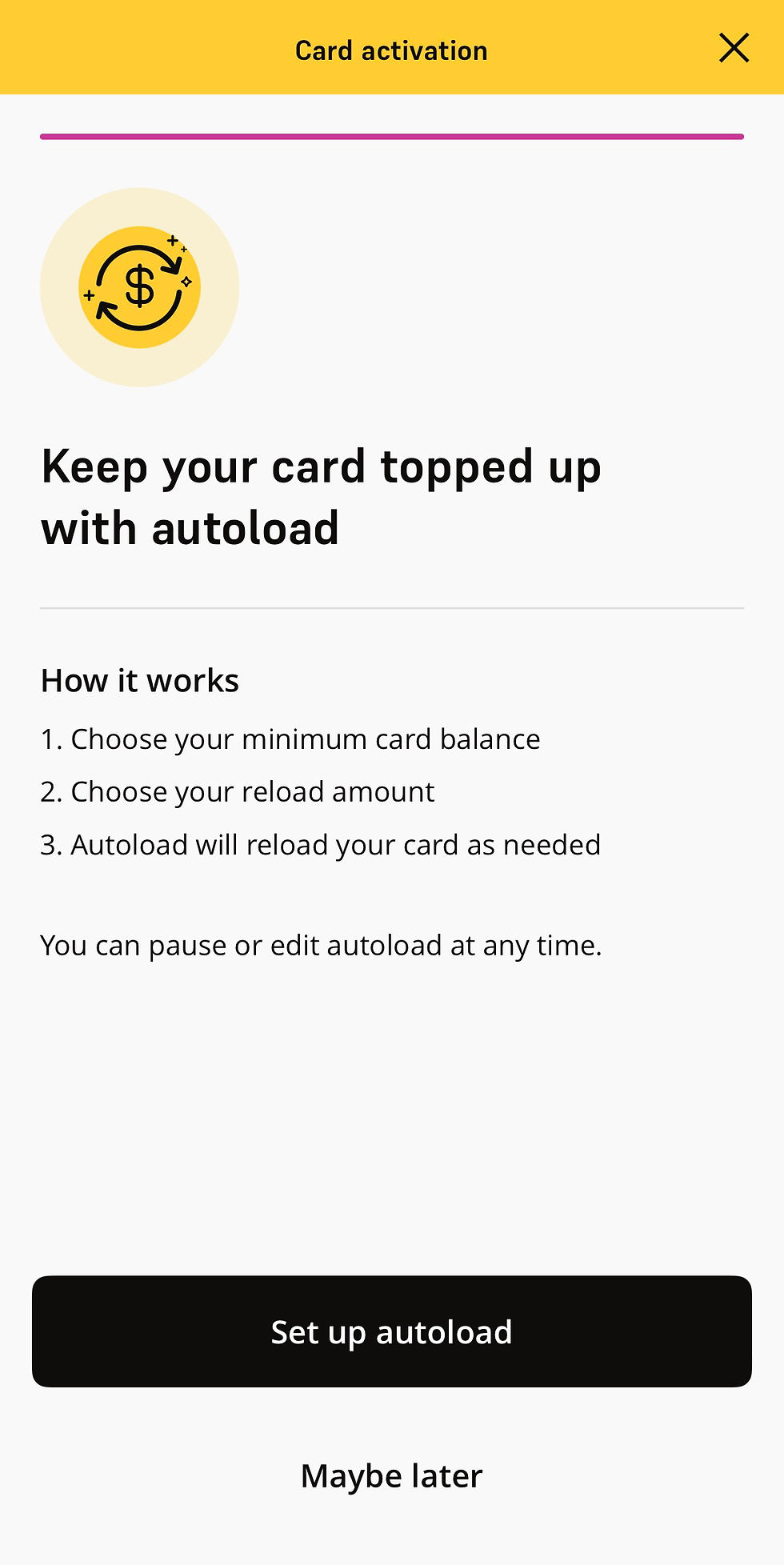
EQ also offered an optional autoload feature. Autoload lets me choose a minimum card balance and a reload amount. If the card falls below that minimum, EQ automatically moves more money onto it from the linked Business Account.
The feature can be paused or changed later, so it could be helpful for recurring business expenses. I still like having control over exactly how much is available on the card, though, so this may depend on how I end up using it.
Using the physical card for the first time
Once activation was complete, the app provided instructions for the first physical purchase:
Insert the card into the payment terminal.
Select credit, since it is a prepaid Mastercard.
Enter the PIN.
After that first chip-and-PIN purchase, the physical card should be fully ready for regular use.

My first impression
The activation process was as simple as expected and did not require a phone call, ATM visit, or separate website. :D
Everything happened inside the same app I already use to manage my Business Account.
I also appreciate that I can decide exactly how much money is loaded onto the card. It gives me access to card payments without giving every purchase direct access to the full balance sitting inside my business accounts.
Now that the physical card is activated, I can start moving more of my recurring business expenses away from my older banking setup with TD and into EQ.
The card still needs some real-world use before I can give it a proper review, but the ordering, digital-wallet setup, delivery, and activation process have all been straightforward so far. :)

Comments