The EQ Bank Business Card is here. Here’s what ordering one looked like

When I first opened my EQ Bank Business Account, the biggest feature still missing for me was a physical (or even digital) card. :(

The account already gave me most of what I wanted as a sole proprietor:
No monthly account fees
No minimum requirements
separate accounts (up to 10!)
multiple business accounts
bill payments
transfers
and interest on money that would otherwise just sit there.
However, I still needed to keep my old TD setup around for expenses that required an actual card, including services like Wix and Google Workspace.
Well, that temporary downside did not last very long. :) About a week after publishing my first walkthrough, I opened EQ Bank and noticed a new Business Card option sitting inside the Featured Products section of my business profile. Naturally, I clicked it immediately.
What kind of card is it?
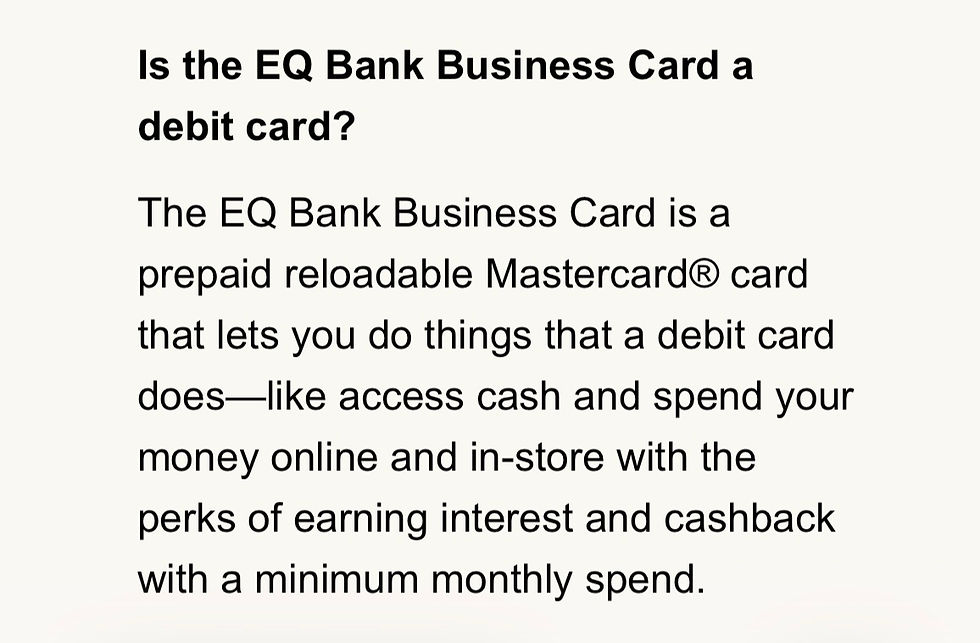
The EQ Bank Business Card is not technically a traditional debit card. It is a prepaid, reloadable Mastercard that lets you spend money you have already loaded onto it, both online and in stores, while also allowing ATM withdrawals.
That structure actually makes sense for the way I want to manage my business.
I am not looking for another credit balance to manage, and I definitely do not want business purchases quietly creating more debt in the background.
The card uses money I already have, which makes it easier to keep spending within the amount available.
According to the information shown during the setup process, the card has no monthly fee, earns interest on the balance loaded onto it, and charges a 2% foreign exchange fee for purchases in other currencies.
There is also 1% cash back, although that only applies once monthly spending exceeds $10,000. That threshold is much higher than I expect my little one-person dog training business to reach anytime soon, so I am not personally treating the cash back as a major benefit. Maybe future Carlos will have that problem one day. 😅
The interest is more relevant to me. EQ explains that it is calculated daily on the card’s closing balance at the same rate as the linked Business Account, with the earnings deposited monthly into that account.
Ordering the card through the app
The ordering process itself was incredibly simple and took only a few minutes.

EQ first confirmed the name that would appear on the card, and from there I had to choose which Business Account bucket would fund it.

This is an important detail because the card does not simply pull money from every business account I have. It is connected to the specific account I select, and that is where the money loaded onto the card comes from.

I chose my main business bucket rather than my HST account, for hopefully obvious reasons. The last thing I need is to accidentally fund a coffee, software subscription, or piece of dog training equipment using money that already belongs to CRA. 😬
After selecting the funding account, EQ asked me to confirm the delivery address and review the final details.
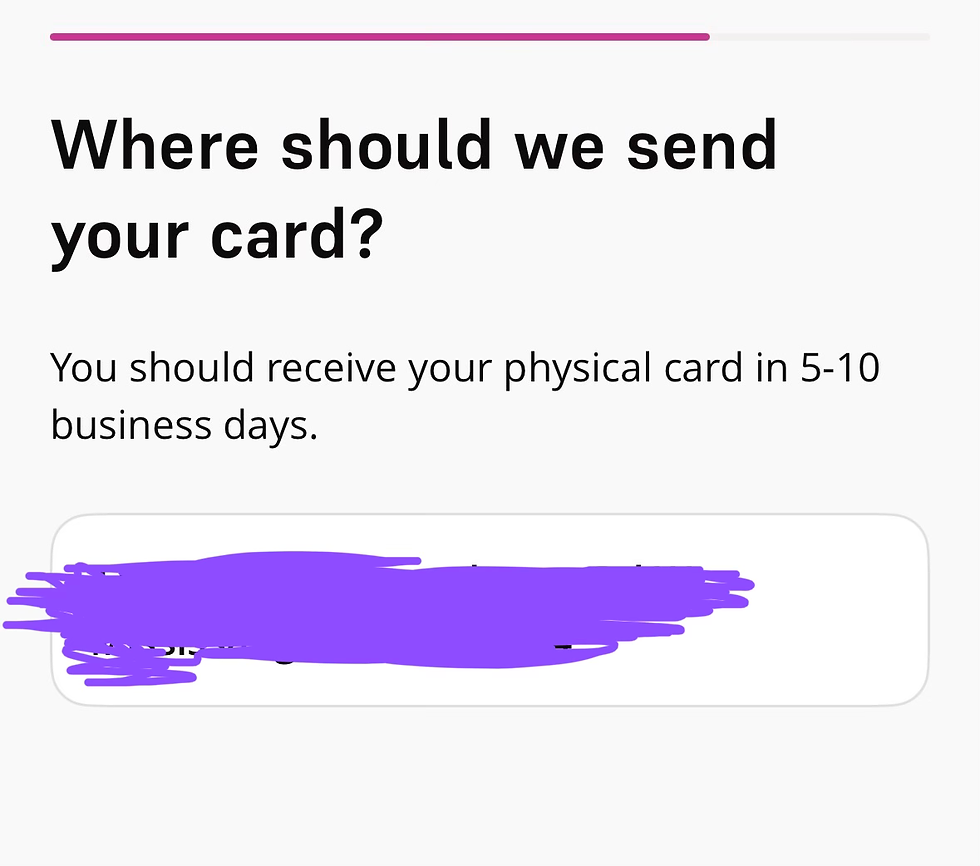
The confirmation page displayed my name, the account the card would spend from, the delivery address, and the Business Card agreement. Once everything looked correct, I accepted the agreement and placed the order.

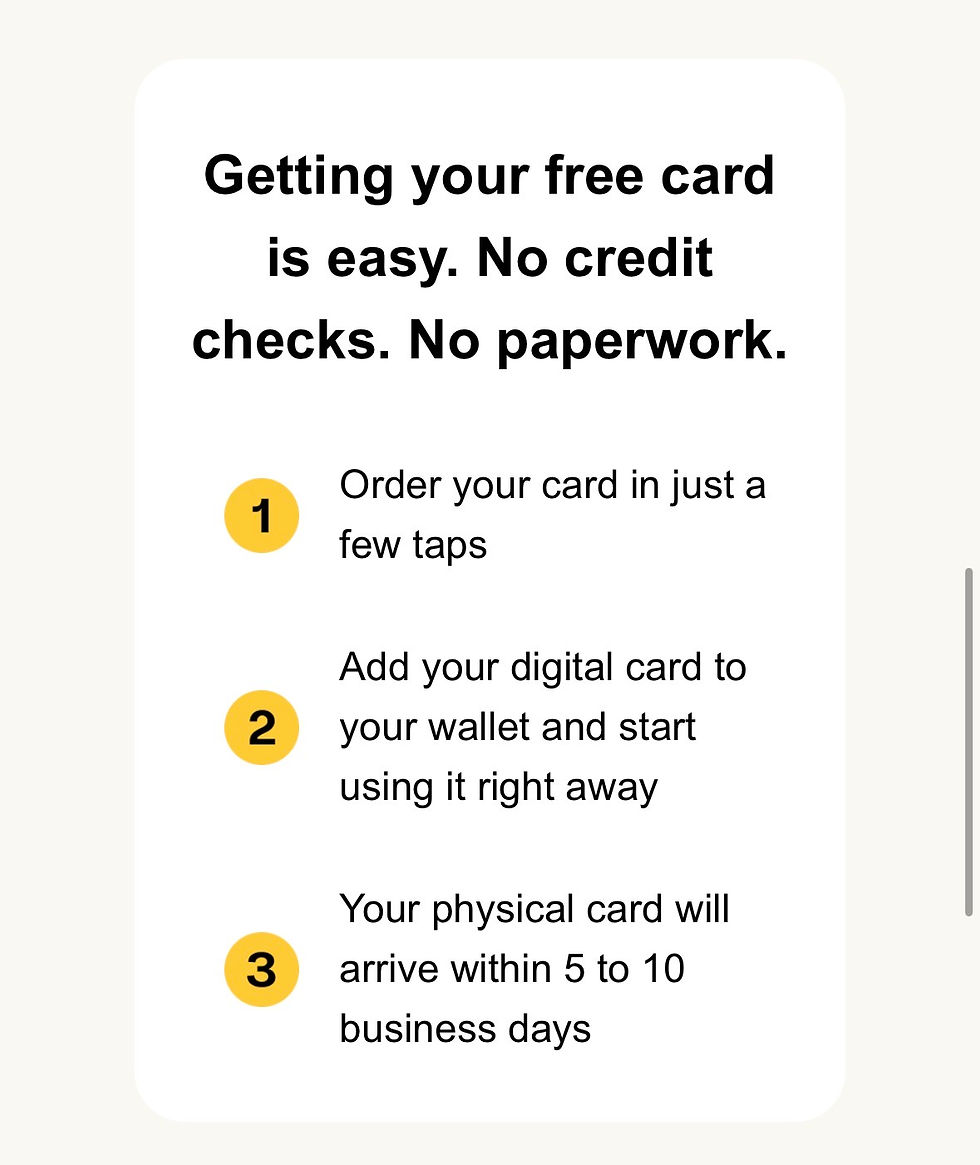
There was no credit check, no paperwork, no phone call, and no separate approval process. Since it is a prepaid card rather than a credit card, the experience was closer to activating another feature of my existing Business Account than applying for a new financial product.
Using the card before the physical one arrives
EQ says the physical card should arrive within five to ten business days, but I did not need to wait before using it.

Immediately after ordering, I was given the option to add the digital version to Apple Wallet. EQ also advertises support for Google Pay, so Android users should have the same general option available through their mobile wallets.

I added mine to Apple Pay right away, and the app confirmed that the Business Card was ready to use.

This means it can already be used in stores and online wherever Apple Pay is accepted, even though the physical card is still on its way. EQ’s FAQ also confirms that the digital card can be used before the physical one arrives wherever mobile wallets are accepted.

That was probably my favourite part of the process. I expected to order the card and then wait a week or two before it became useful, but it was available almost immediately.
Why this matters for my business setup
The absence of a business card was the main reason I could not fully move away from TD after opening my EQ Business Account. Some of my recurring services require card payments, and bill payments or account transfers cannot replace that.
Now that the Business Card exists, I can begin moving those expenses into EQ and keep more of my business activity within one system. My business income can arrive in EQ, my Profit First allocations can remain separated across different accounts, and card-based expenses can finally come directly from the appropriate business funds.

I also like that the card has to be funded from a designated account. It creates another boundary within the system rather than giving every purchase unrestricted access to all of the business money sitting at EQ.
I still need to receive the physical card, activate it, and use everything for a while before I can say how well it works day to day. For now, though, the ordering experience was quick, the digital card was available immediately, and the largest missing piece from my EQ Business setup appears to have arrived much sooner than I expected.
I will likely share another update once the physical card arrives and I have had a chance to use it for my actual business expenses. :)
When I first opened my EQ Bank Business Account, the biggest feature still missing for me was a card.
The account already gave me most of what I wanted as a sole proprietor: no monthly account fee, separate personal and business banking, multiple business accounts, bill payments, transfers, and interest on money that would otherwise just sit there. However, I still needed to keep my old TD setup around for expenses that required an actual card, including services like Wix and Google Workspace.
Well, that temporary downside did not last very long. :)
About a week after publishing my first walkthrough, I opened EQ Bank and noticed a new Business Card option sitting inside the Featured Products section of my business profile. Naturally, I clicked it immediately.
[SCREENSHOT: EQ Business account page showing “Business Card — NEW” under Featured Products]
What kind of card is it?
The EQ Bank Business Card is not technically a traditional debit card. It is a prepaid, reloadable Mastercard that lets you spend money you have already loaded onto it, both online and in stores, while also allowing ATM withdrawals.
[SCREENSHOT: FAQ section explaining that the card is a prepaid reloadable Mastercard]
That structure actually makes sense for the way I want to manage my business. I am not looking for another credit balance to manage, and I definitely do not want business purchases quietly creating more debt in the background. The card uses money I already have, which makes it easier to keep spending within the amount available.
According to the information shown during the setup process, the card has no monthly fee, earns interest on the balance loaded onto it, and charges a 2% foreign exchange fee for purchases in other currencies.
[SCREENSHOT: “No monthly fees” screen]
[SCREENSHOT: “2.25% interest earned on your cash” screen]
[SCREENSHOT: “Low 2.00% FX fee” screen]
There is also 1% cash back, although that only applies once monthly spending exceeds $10,000. That threshold is much higher than I expect my little one-person dog training business to reach anytime soon, so I am not personally treating the cash back as a major benefit. Maybe future Carlos will have that problem one day. 😅
[SCREENSHOT: “1.00% cash back on $10K+ monthly spend” screen]
The interest is more relevant to me. EQ explains that it is calculated daily on the card’s closing balance at the same rate as the linked Business Account, with the earnings deposited monthly into that account.
[SCREENSHOT: FAQ section explaining how interest works]
Ordering the card through the app
The ordering process itself was incredibly simple and took only a few minutes. EQ first confirmed the name that would appear on the card, and from there I had to choose which Business Account bucket would fund it.
[SCREENSHOT: “We’ll have your card ready in no time” screen showing the name on the card]
This is an important detail because the card does not simply pull money from every business account I have. It is connected to the specific account I select, and that is where the money loaded onto the card comes from.
[SCREENSHOT: “Load your card from…” screen showing your main business bucket]
I chose my main business bucket rather than my HST account, for hopefully obvious reasons. The last thing I need is to accidentally fund a coffee, software subscription, or piece of dog training equipment using money that already belongs to CRA. 😬
You may also want to include the second funding-account screenshot here to show that EQ allows you to change which bucket funds the card.
[OPTIONAL SCREENSHOT: “Load your card from…” screen showing the HST bucket]
After selecting the funding account, EQ asked me to confirm the delivery address and review the final details.
[SCREENSHOT: “Where should we send your card?” screen — blur the full address]
The confirmation page displayed my name, the account the card would spend from, the delivery address, and the Business Card agreement. Once everything looked correct, I accepted the agreement and placed the order.
[SCREENSHOT: “Everything look good?” confirmation screen — blur the address, email, account details, and any other personal information]
There was no credit check, no paperwork, no phone call, and no separate approval process. Since it is a prepaid card rather than a credit card, the experience was closer to activating another feature of my existing Business Account than applying for a new financial product.
[OPTIONAL SCREENSHOT: “Getting your free card is easy. No credit checks. No paperwork.”]
Using the card before the physical one arrives
EQ says the physical card should arrive within five to ten business days, but I did not need to wait before using it.
[SCREENSHOT: “Your card’s on the way!” screen showing the five-to-ten-business-day estimate and Apple Wallet option]
Immediately after ordering, I was given the option to add the digital version to Apple Wallet. EQ also advertises support for Google Pay, so Android users should have the same general option available through their mobile wallets.
[SCREENSHOT: Phone graphic showing the EQ Business Card with Apple Pay and Google Pay]
I added mine to Apple Pay right away, and the app confirmed that the Business Card was ready to use.
[SCREENSHOT: “Your Business Card has been added to Apple Pay” confirmation screen]
This means it can already be used in stores and online wherever Apple Pay is accepted, even though the physical card is still on its way. EQ’s FAQ also confirms that the digital card can be used before the physical one arrives wherever mobile wallets are accepted.
[SCREENSHOT: FAQ section explaining digital-card use before the physical card arrives]
That was probably my favourite part of the process. I expected to order the card and then wait a week or two before it became useful, but it was available almost immediately.
Why this matters for my business setup
The absence of a business card was the main reason I could not fully move away from TD after opening my EQ Business Account. Some of my recurring services require card payments, and bill payments or account transfers cannot replace that.
Now that the Business Card exists, I can begin moving those expenses into EQ and keep more of my business activity within one system. My business income can arrive in EQ, my Profit First allocations can remain separated across different accounts, and card-based expenses can finally come directly from the appropriate business funds.
I also like that the card has to be funded from a designated account. It creates another boundary within the system rather than giving every purchase unrestricted access to all of the business money sitting at EQ.
[OPTIONAL SCREENSHOT: Promotional image of the yellow EQ Bank Business Card]
I still need to receive the physical card, activate it, and use everything for a while before I can say how well it works day to day. For now, though, the ordering experience was quick, the digital card was available immediately, and the largest missing piece from my EQ Business setup appears to have arrived much sooner than I expected.
I will likely share another update once the physical card arrives and I have had a chance to use it for my actual business expenses. :)

Comments